
Blog
WordPress theme
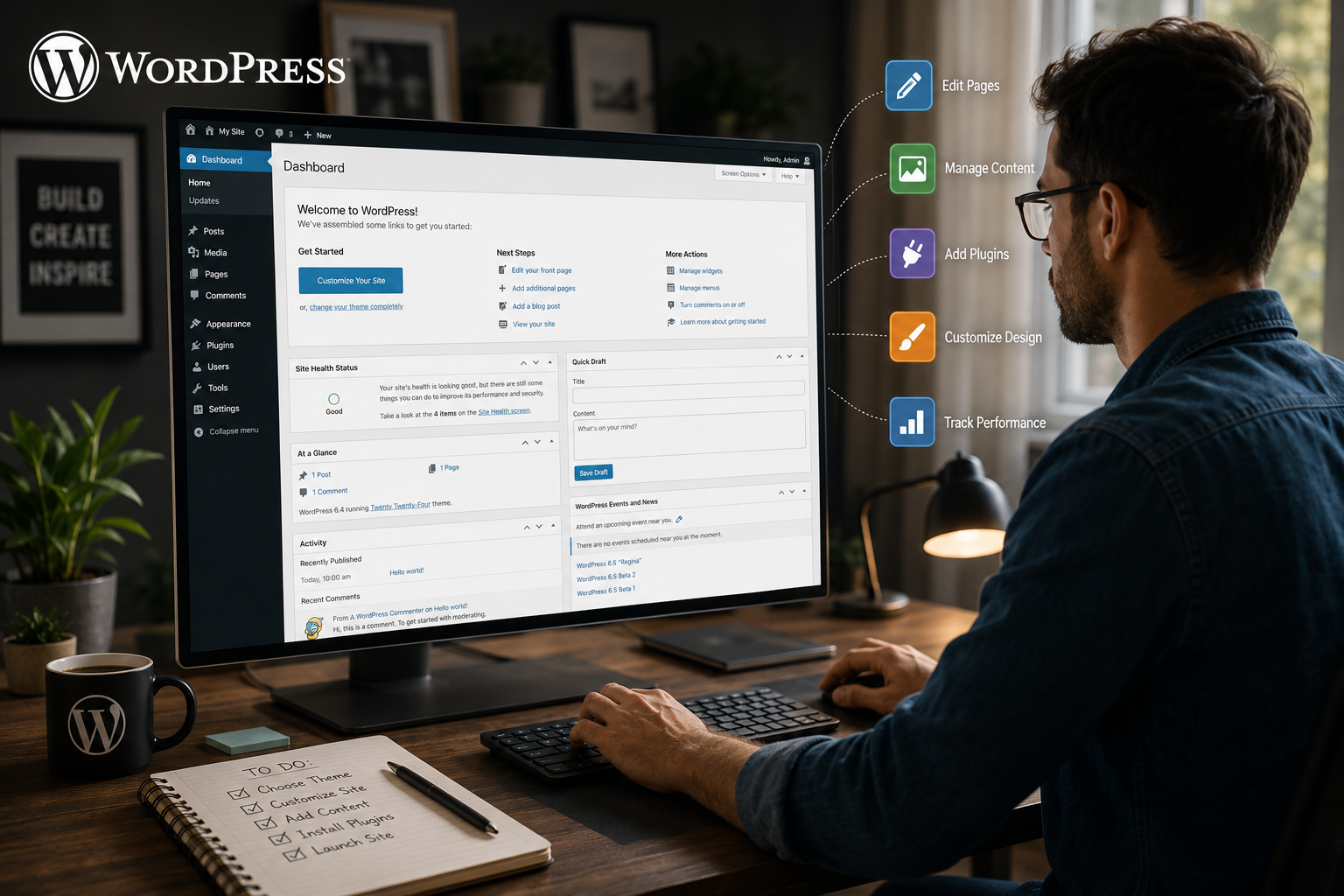
WordPress powers over 43% of all websites on the internet, making it the world's most popular content management system. Its flexibility and scalability have made it the go-to choice for everyone from hobbyist bloggers to Fortune 500 companies. At the heart of every WordPress site lies its theme—the collection of files that controls how your content looks and behaves.
A WordPress theme is essentially the "skin" of your website. It defines the entire look, feel, and layout, transforming your content from a simple database into a fully-functional, engaging user experience. While thousands of excellent pre-made themes are available, there's something uniquely powerful about building your own custom theme.
Creating a custom WordPress theme gives you ultimate control over every pixel, feature, and line of code. You're not locked into someone else's design decisions, and you don't have to worry about bloat from features you'll never use. For businesses, agencies, and serious bloggers, a custom theme is often the difference between a generic website and a truly distinctive online presence.
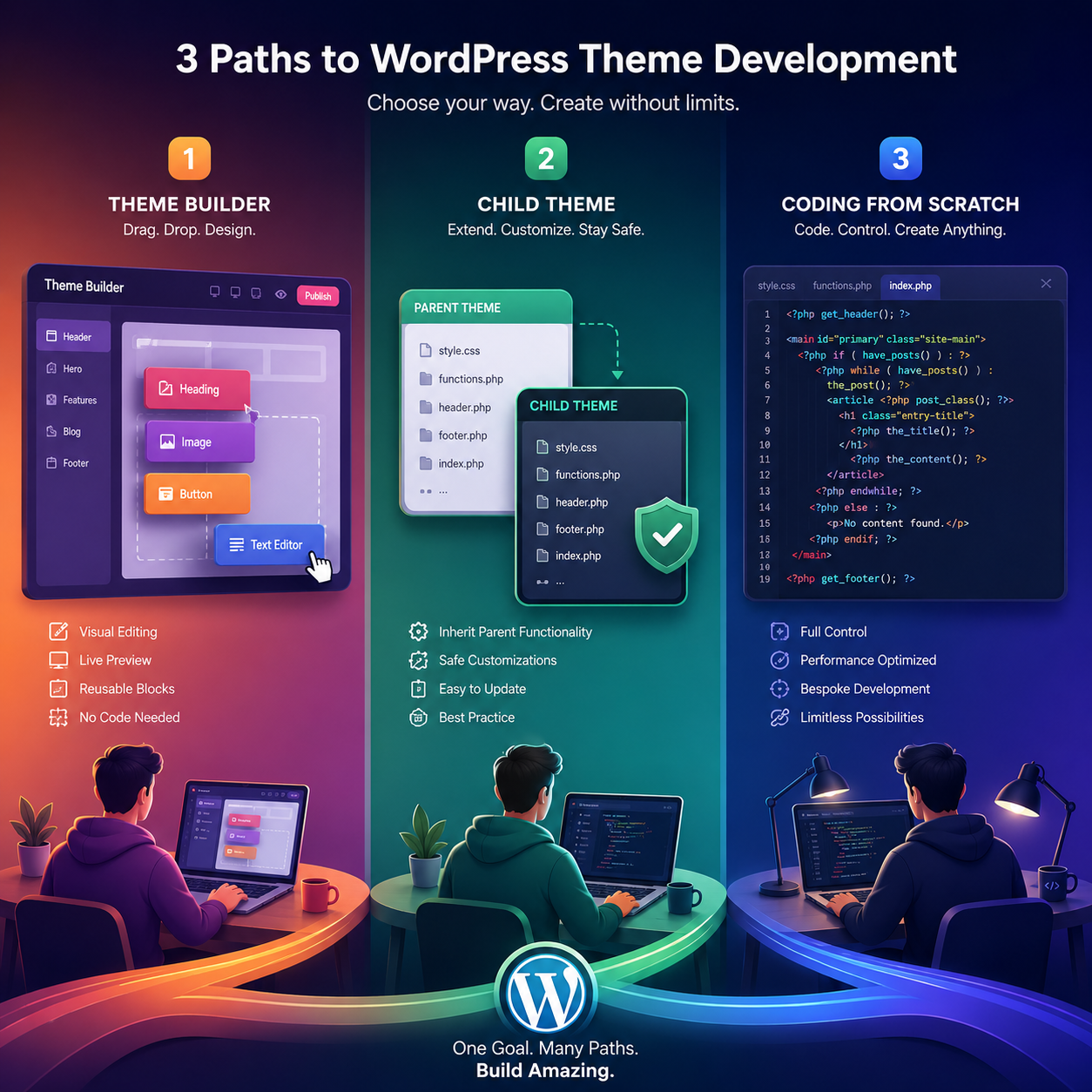
This comprehensive guide will walk you through everything you need to know about WordPress theme development. We'll cover the foundational concepts, explore different development approaches, and provide practical, actionable steps to build your own theme. Whether you're a complete beginner or a seasoned developer, this guide will help you understand the process and choose the right path for your needs.
What Exactly Is a WordPress Theme?
Before diving into development, it's crucial to understand what a theme is—and what it isn't. This distinction will save you countless hours of confusion down the road.
A WordPress theme is your site's "blueprint." It controls the layout, telling WordPress where to put the site title, navigation menu, content, sidebar, and footer. It also defines the default styles: fonts, colors, and spacing
Similarly, a theme is NOT a plugin. Plugins add functionality like contact forms, security features, or SEO optimization. A theme handles presentation. This separation of concerns is one of WordPress's greatest strengths, allowing you to swap themes or plugins independently without breaking your site.
The Template Hierarchy
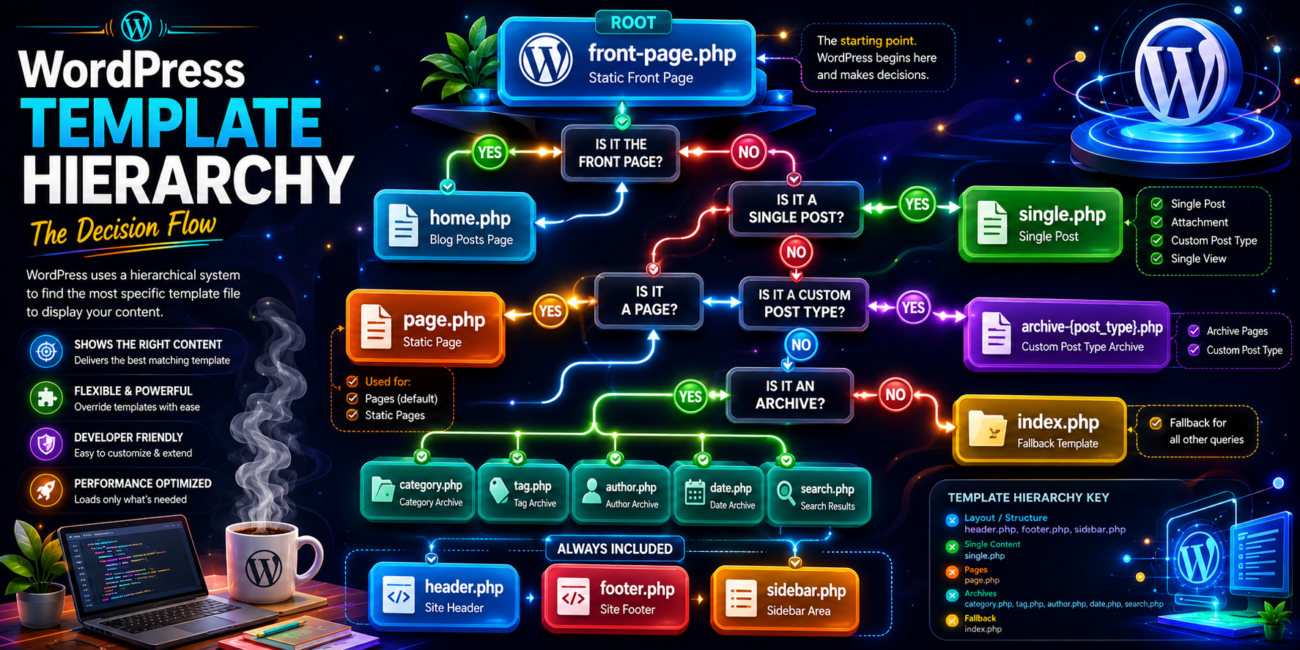
WordPress uses a sophisticated system called the template hierarchy to determine which template file to use when displaying different types of content. Understanding this hierarchy is essential for building effective themes.
Here's how it works: when someone visits a page on your WordPress site, WordPress checks for specific template files in a particular order. For example, when someone visits a single blog post, WordPress first looks for single.php. If that file doesn't exist, it falls back to index.php